Encrypted on your iPhone
The vault is encrypted with AES-GCM. Its key lives in the iOS Keychain.
Authenticator · Passwords · Passkeys
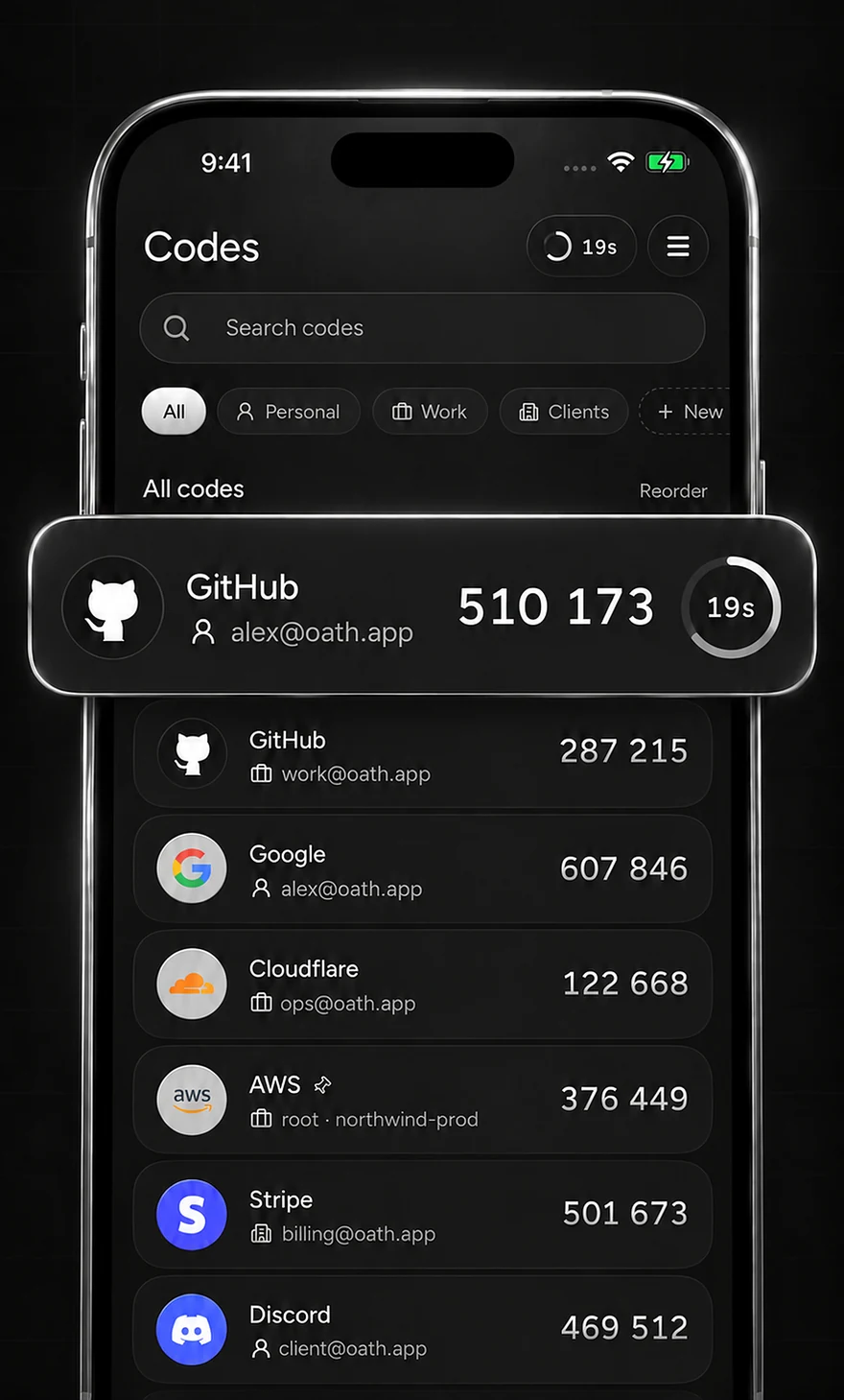
Two-factor codes that fill themselves. Oath suggests the right code above the keyboard in Safari and apps, and keeps your work and personal accounts apart.
Free to start. For iPhone with iOS 18 or later. No account needed.
AutoFill
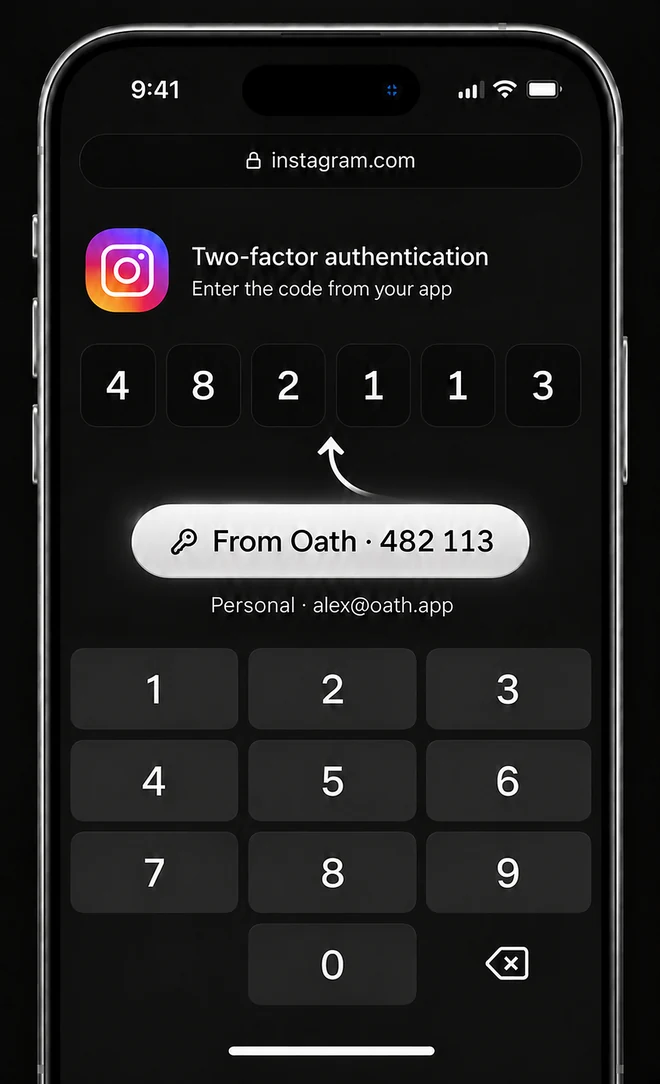
Most authenticators make you leave the page, find the code and race the countdown. Oath works where you sign in.
In Safari or a supported app, tap the verification code field.
The code for that website appears above the keyboard, labelled with its space and account.
The code is generated at that moment, so it never expires on the way.
The vault
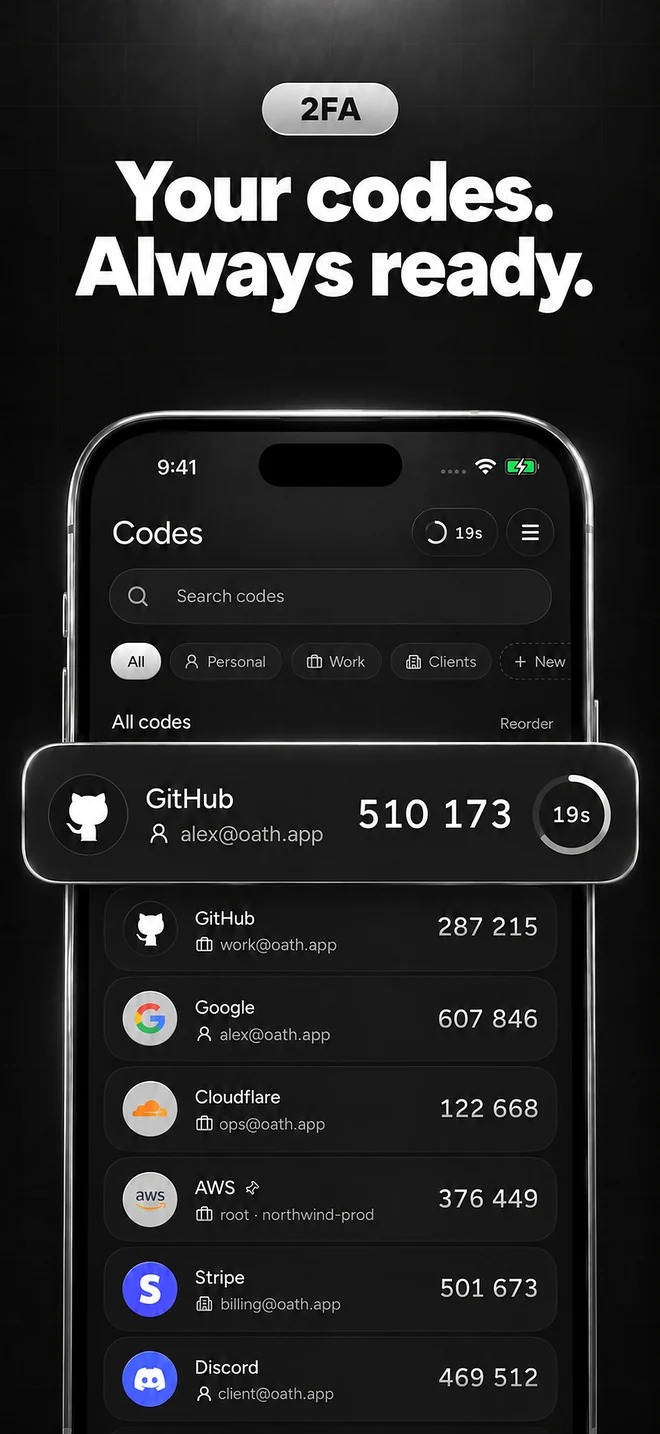
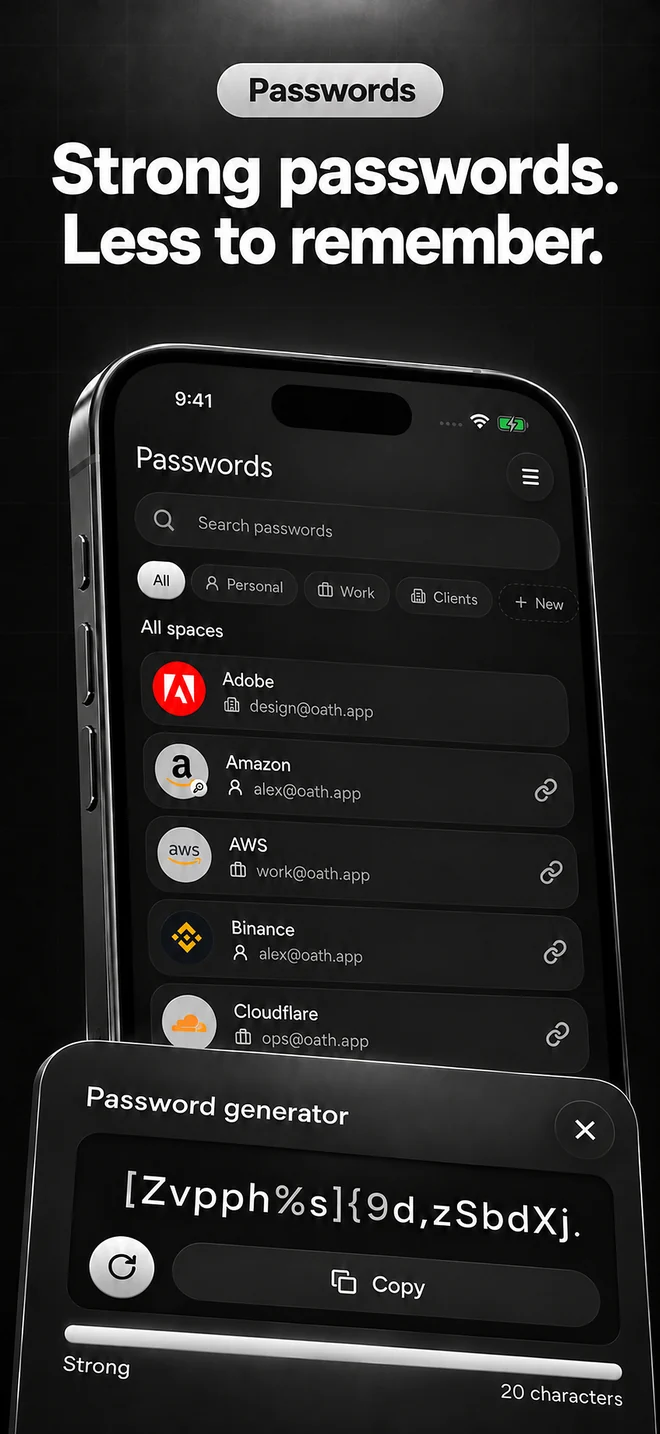
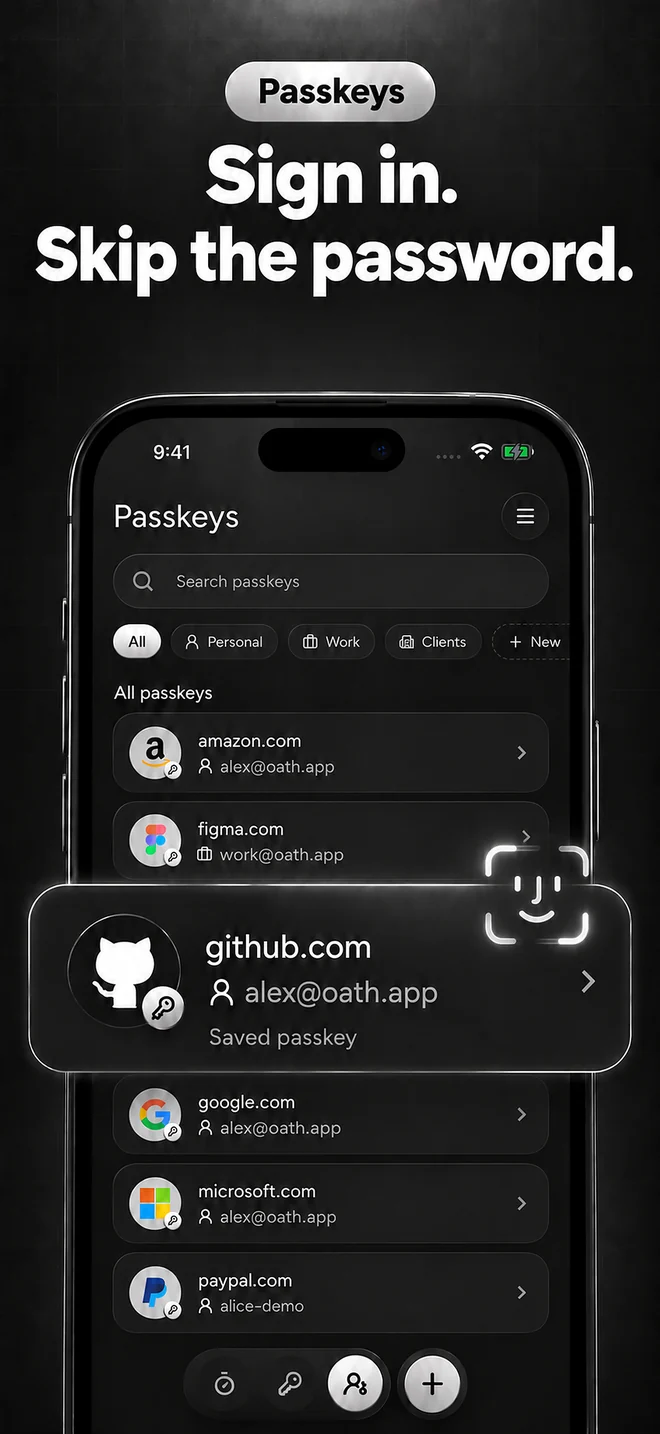
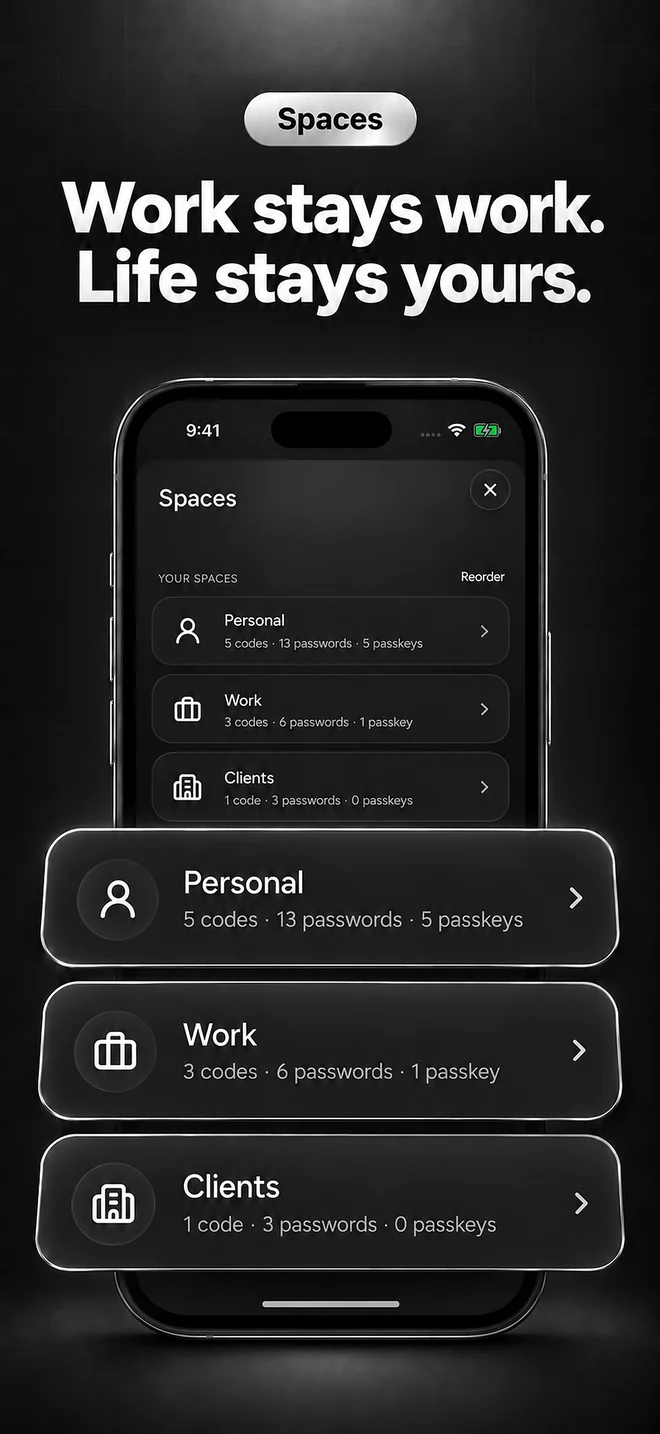
Everything you need to sign in, kept in one encrypted vault and sorted into spaces for the different parts of your life.
Privacy
Oath has no account system and no servers holding your vault. What you save stays with you.
The vault is encrypted with AES-GCM. Its key lives in the iOS Keychain.
No sign-up, no email, no password to remember for Oath itself.
No analytics or advertising SDKs. Nothing about your vault is collected.
Auto-lock on your schedule, and a privacy cover in the app switcher.
Copied codes and passwords are removed after 60 seconds.
Deleted items wait in Trash for 30 days before they’re gone.
Move in, move out
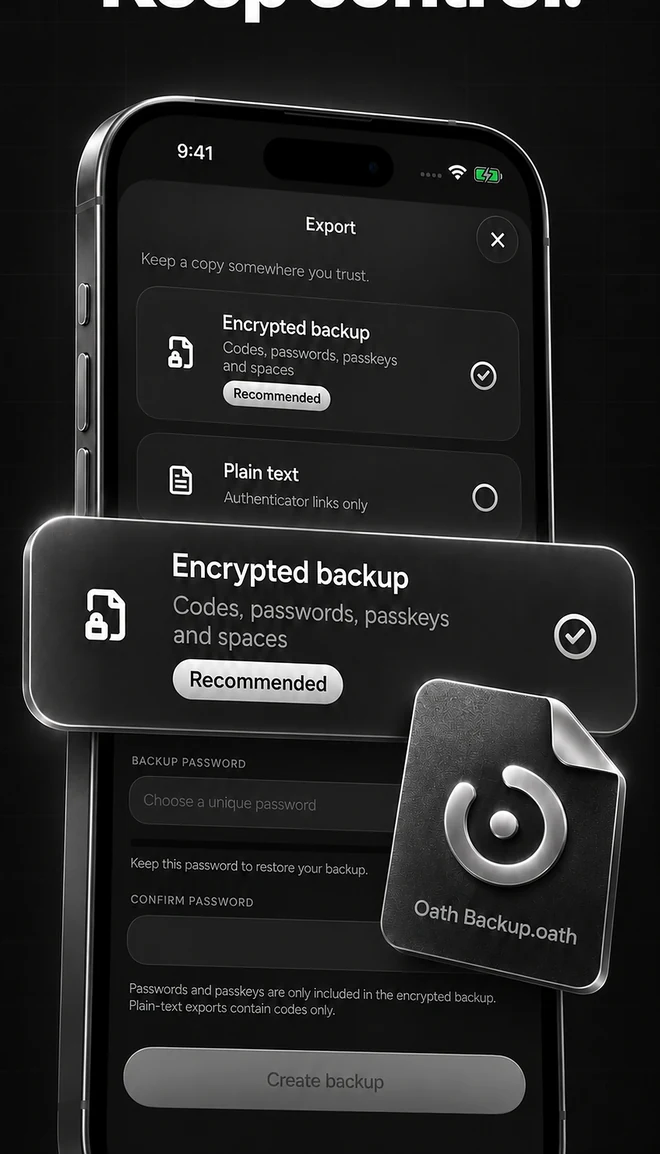
Bring your codes and logins with you, and take them anywhere. Encrypted backups are free, always.
Free and Pro
Everything you need to get started.
For everyone with more than a handful of logins.
Prices and any free trial are shown in the app before you pay. Subscriptions renew automatically and can be cancelled anytime in your Apple Account settings.
FAQ
Open Oath and follow the AutoFill step, or go to Settings → General → AutoFill & Passwords and turn on Oath. You can keep Apple Passwords or another password manager on at the same time.
No. Two-factor authentication stays on at the website. Turn it off there first, or keep the site’s recovery codes, before deleting a code you still need.
Your vault lives on your device. Export an encrypted backup from Settings → Sync & backup and keep it somewhere you trust, together with the recovery codes websites give you when you set up two-factor authentication.
No. Oath has no account system and no servers holding your vault, and it contains no analytics or advertising SDKs.
Google Authenticator (export QR codes), 2FAS, Aegis, Ente Auth, Proton Authenticator and Bitwarden, plus CSV files from Apple Passwords or Chrome and any otpauth:// link. Apps that don’t allow exporting, such as Authy, need each account added again by scanning a new QR code on the website.
iPhone with iOS 18 or later.
Free to start. For iPhone with iOS 18 or later.